Skill
Colorfigures
By @Aprilzz423. Turn any object into a full-color lab.
EnglishFree (you need an agent)No account
 Open on its site
What it is
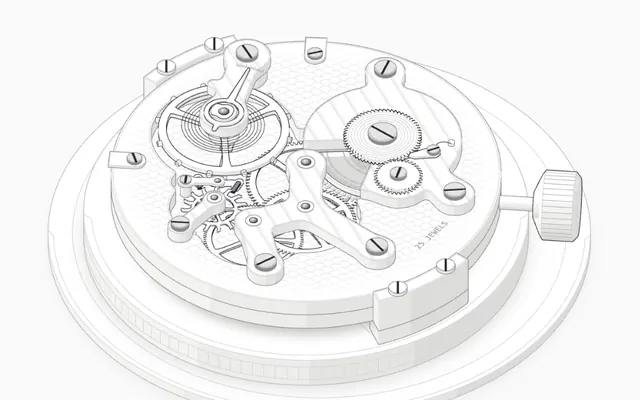
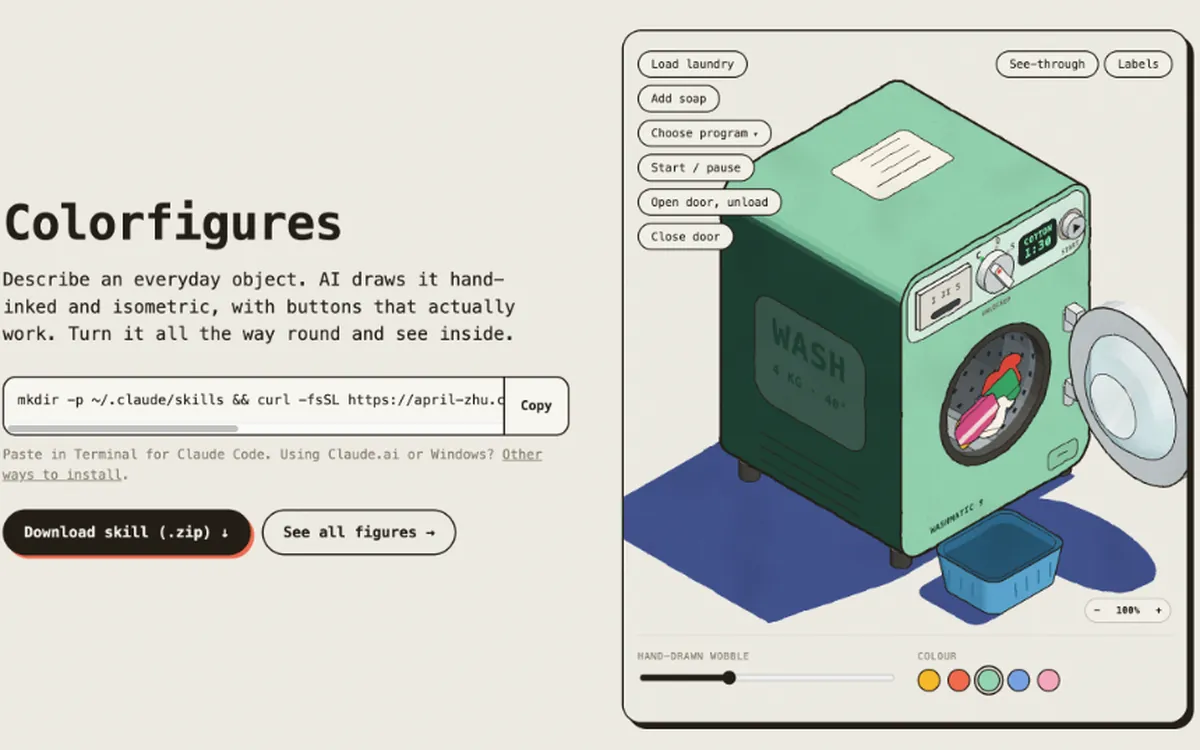
You describe an object and Claude draws it by hand, in isometric, with working buttons, full rotation and a see-through mode that shows the parts inside with labels. That is how Robotics Bench, Hardware Bench and Launch Bench look. Each figure ends up in an .html file you open in the browser.
- MIT license
- Instructions for Claude Code and Claude.ai
- According to its author, since October 21 its figures are 3D and see-through, and the skill also works in ChatGPT and Gemini
What it is for
- Explain a physical product with moving parts
- Classes where students press buttons instead of reading a paragraph
- Take hardware apart: a motor, a 3D printer, a board
How to install it
mkdir -p ~/.claude/skills && curl -fsSL https://april-zhu.com/colorfigures/colorfigures.tar.gz | tar -xz -C ~/.claude/skillsThen open a new Claude Code session. If you use Claude.ai or Windows, its page has other ways to install it, including a .zip download.
Skills are free, but you need a tool to run them in. For Claude Code you need a Claude plan that includes it.
Use it on the roadmap
- Stage 6. Build your own lab with Claude
Full-color style with a hand-drawn ink line.