Lab
Robotics Bench
By @0xMovez. 13 real boards you assemble like in a factory, power up and break.
Made with ClaudeEnglishFreeNo account
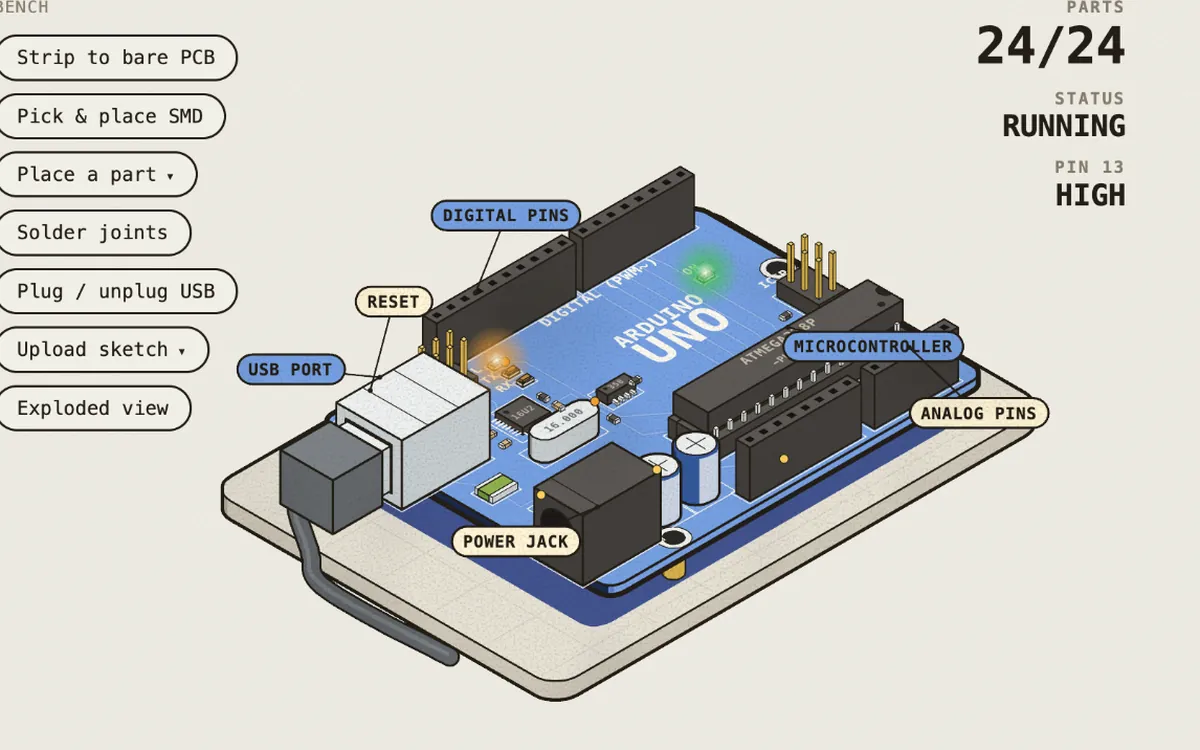 Open on its site
What it is
13 real boards ordered like a month-by-month roadmap: electronics, microcontrollers, motors and drivers, sensors. You assemble each board like in a factory: first the SMD parts with pick and place and reflow, then the through-hole parts and finally the soldering iron. You plug it in over USB, upload the sketch and watch the board’s state live. Each lesson brings theory, code to try, a serial monitor, review questions and a final practice.
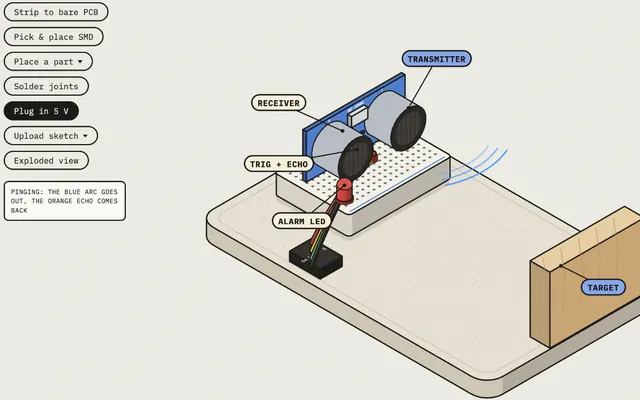
- 13 boards: Arduino Uno R3, LED + resistor, transistor switch, ESP32-S3, TB6612FNG, L298N, A4988, PCA9685, MPU-6050, HC-SR04, QTR-8RC, LM2596 and Raspberry Pi 5
- A mode to break the board on purpose
What you learn
- Ohm’s law and why an LED needs a resistor
- Transistors as switches: how a logic signal controls power
- Arduino Uno and ESP32-S3: PWM, interrupts, serial, Wi-Fi and two cores
- Motor drivers: TB6612FNG, L298N, A4988 for steppers and PCA9685 for servos
- Sensors like the MPU-6050
What it is for
- Understand what each part does before spending on one
- Diagnose real failures, like an Uno that resets every time a motor starts
- Follow a clear order if you want to get into robotics and don’t know where to start
Use it on the roadmap
- Stage 1. Electronics from scratch
The LED + resistor and Transistor switch boards.
- Stage 3. Motors, drivers and sensors
Drivers, servos, sensors and the Raspberry Pi 5. Build each one before reading the theory.
On the same topic
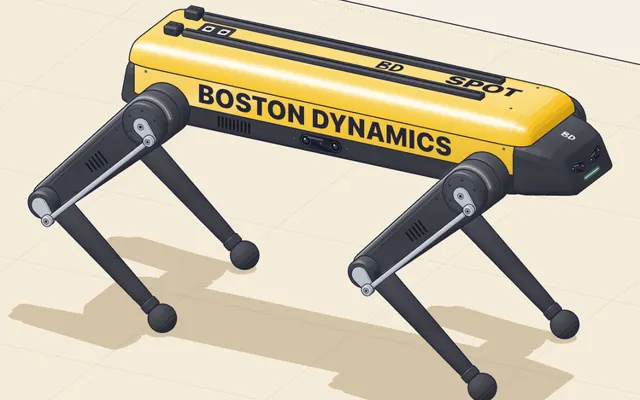
Spot: how a robot dog walks
12 motors, 5 pairs of cameras and a leg with three motors
@elvar_officialMade with Claude
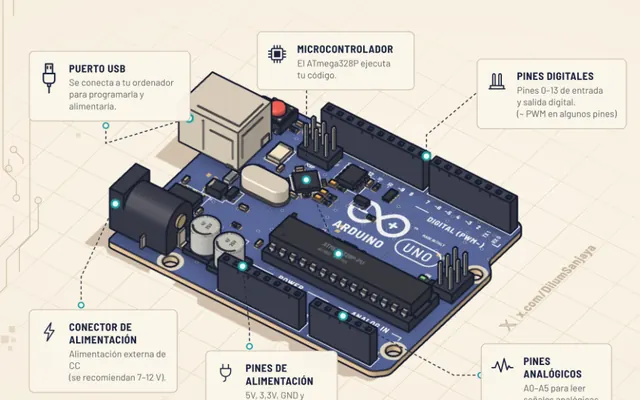
Learn Arduino
A 3D Arduino Uno: from lighting an LED to your first project
@DilumSanjayaMade with ClaudeIn Spanish