Visual Learning machine
Mac mini: what is inside a computer
By @elvar_official, part of Visual Learning. Power supply, fan and chip: how a computer is powered and cooled.
Made with ClaudeEnglishFreeNo account
 Open on its site
The question it answers
Where is the power button on a Mac mini?
The steps
- 1Find the button
- 2Press it
- 3Flip it over
- 4Open the bottom cover
- 5Follow the air
- 6Take it apart
- 7Put it back together
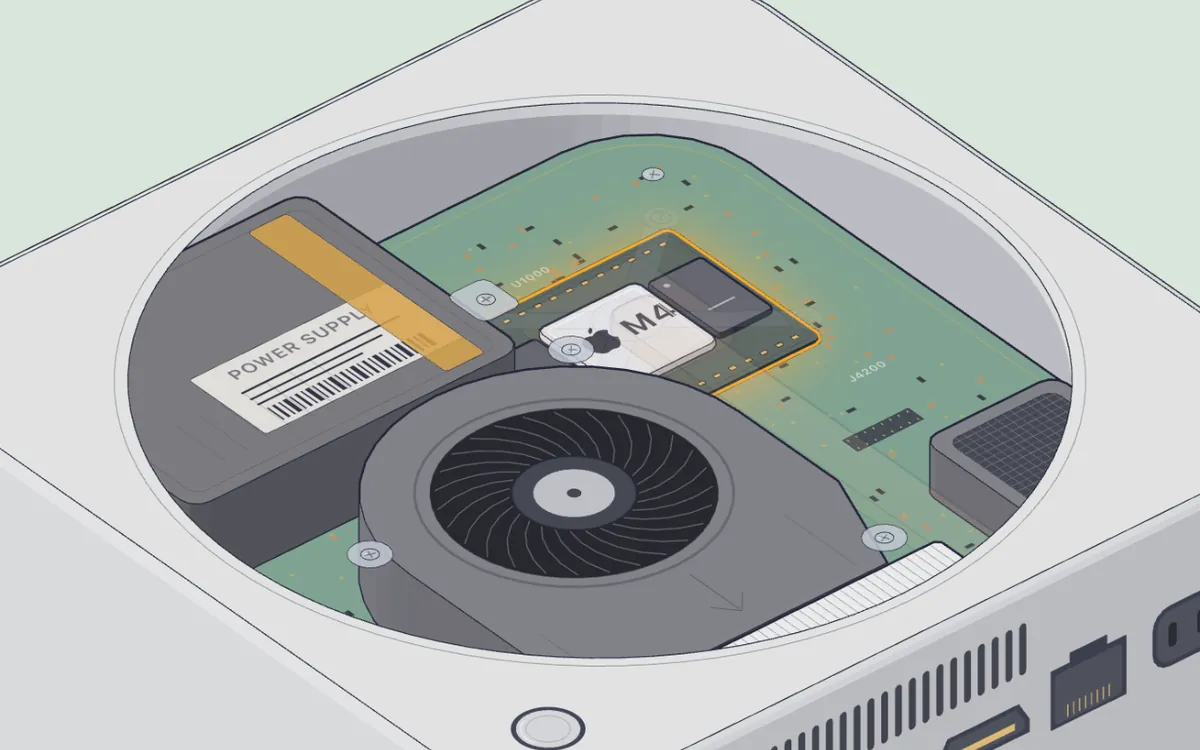
The big idea: The power button is underneath, near the back left corner, so you tilt the case or reach under to press it. Air enters through the gap around the round base and leaves through the back, pushed by a fan, and the power supply is inside: there is no brick on the cable.
The question, steps and idea are translated from the original site.
What it is
A computer opened from below: you remove the base and the shield and see the power supply, the fan, the heatsink and the chip with its memory. What surrounds the processor that runs your code.
- Visual Learning machine 26
- Step-by-step and Auto mode
- The inner parts are drawn as typical ones, according to the site
Use it on the roadmap
- Stage 4. What lies underneath: the processor and the network
What surrounds the processor: power supply, fan and heatsink.
On the same topic
Between a Click and a Page
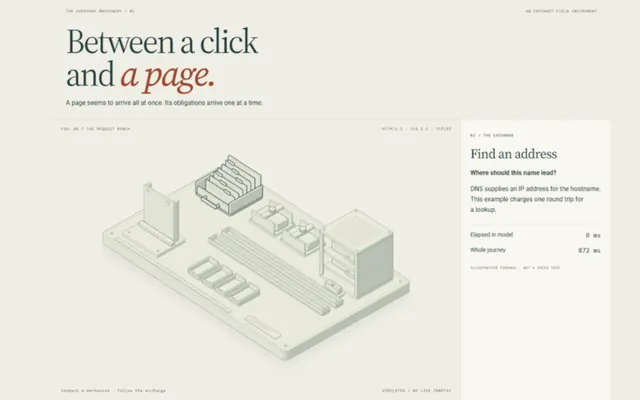
DNS, TCP, TLS and HTTP step by step, dropping pieces on purpose
@suvroghoshin