Stage 6 of 6, no date
Build your own lab with Claude
Your goal: When something isn’t clear, turn it into a lab yourself.
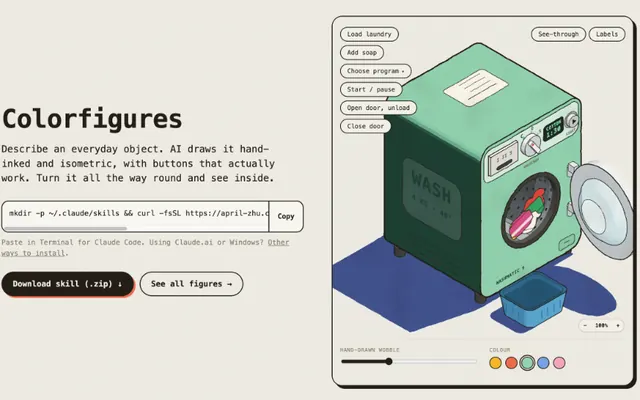
Robotics Bench, Hardware Bench, Drone Lab, Launch Bench and the Visual Learning machines came out of a skill, according to their authors. You describe an object to Claude and it draws it in isometric, with working buttons and a see-through mode that shows the parts inside.
Loading the 3D scene
What to learn
- 1Install a skill in Claude Code
- 2Pick a question worth turning into a lab
- 3Write a single-object prompt
- 4Review the result like a critic
A word doesn’t ring a bell? Look it up in the glossary.
Resources
 Open
Open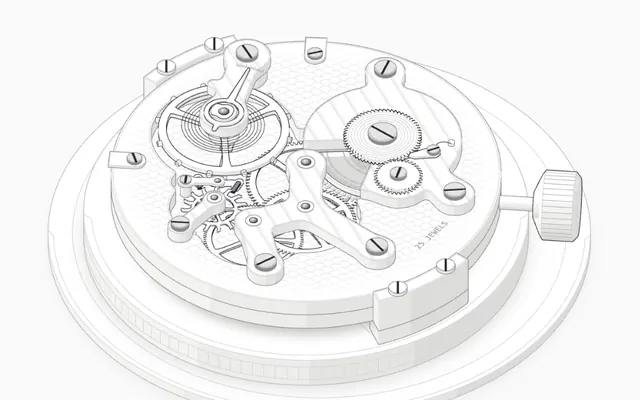 Open
Open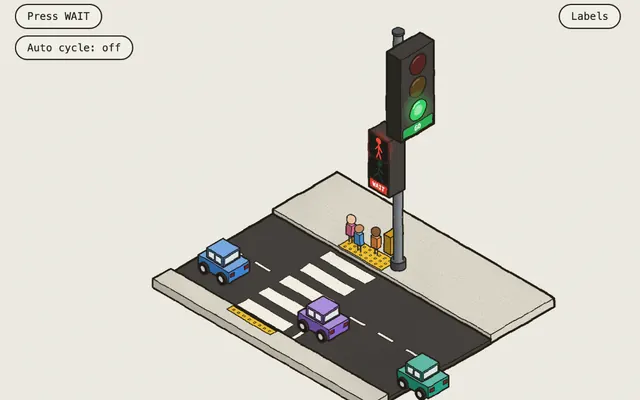 The Colorfigures galleryOpen
Examples of what comes out of Colorfigures.
CollectionMade with Claude@Aprilzz423English
Open the step-by-step guide to build your lab, with the commands and prompt ready to copy.
Common mistake
Asking for a topic instead of an object. "Electronics" comes out thin; "how does an SG90 servo know which angle to move to" comes out much better. @elvar_official explains it in his Article: if you ask for "a microwave", the agent draws a box with a plate; if you ask it to demonstrate the speed of light with a chocolate bar, it has to draw the standing wave.
Did you get it?
Question 1 of 3
Which is a good question for a lab?
Practice
Pick the part of the roadmap you understood least and turn it into your own lab. If you publish it, tag @0xKapri: we want to see it.