Skip to content
robotips

Lab 00

Blink: your first program

Your first Arduino program, seen from the inside: pin 13 switches between 5 V and 0 V, and that turns the LED on and off.

Published on

Lab 00Blink: your first program
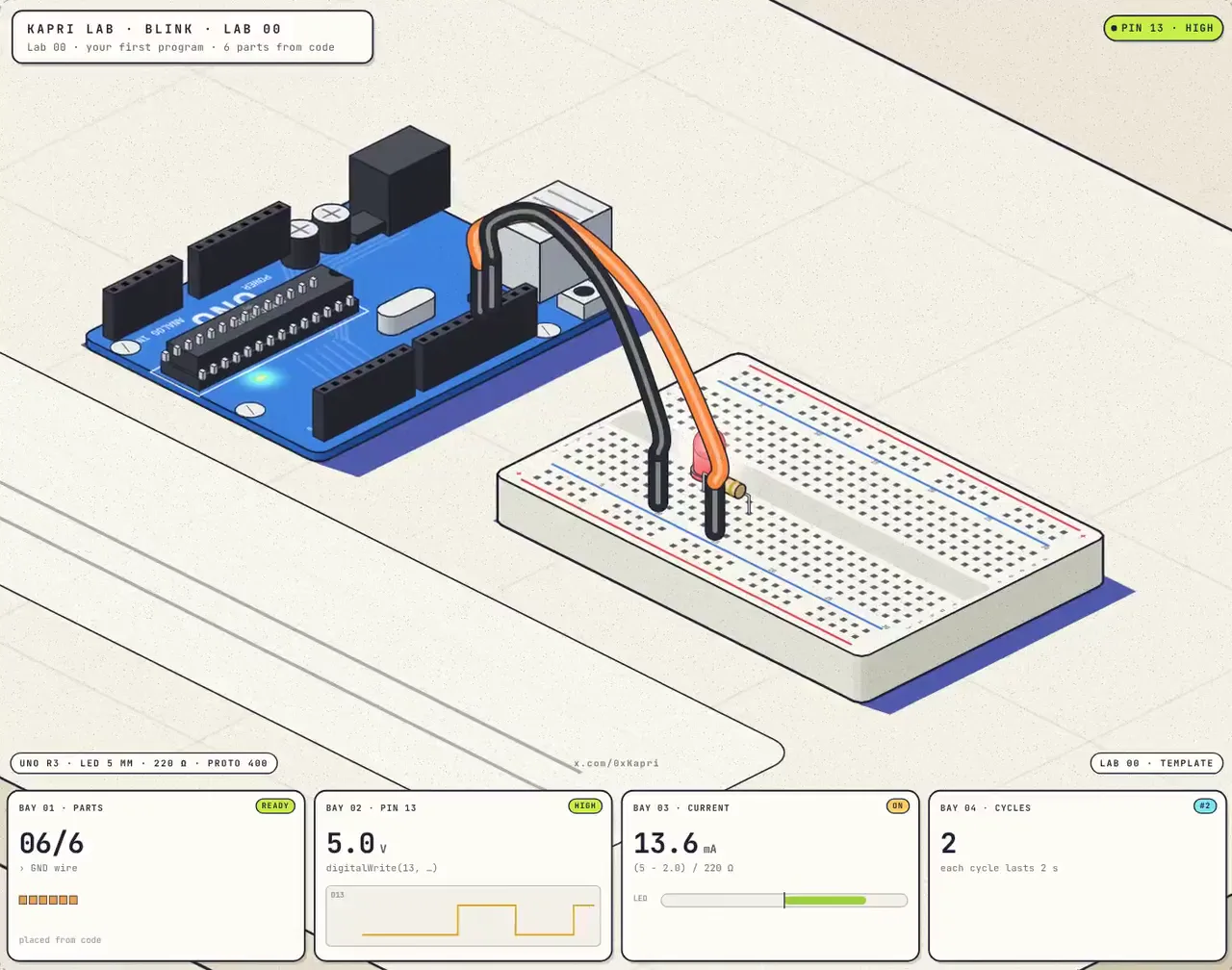
Isometric drawing of a blue Arduino UNO connected with two wires to a breadboard with a red LED and a 220 Ω resistor.
Loads when you tap it, 334 KB
Lab 00. Turning on an LED means putting 5 V on a pin.
Share on X

What you will see

An UNO, a breadboard, a red LED and a 220 Ω resistor. The parts place themselves and the wires get connected from code.

With 5 V on the pin and about a 2.0 V drop across the LED, (5 - 2.0) / 220 = 13.6 mA flows through the resistor.

Model note

What the lab assumes and where its numbers come from.
Model: pin 13 at 5 V (HIGH) or 0 V (LOW), red LED with a typical 2.0 V drop and a 220 Ω resistor: (5 - 2.0) / 220 = 13.6 mA. Base template from KAPRI LAB.
On the roadmap

More labs

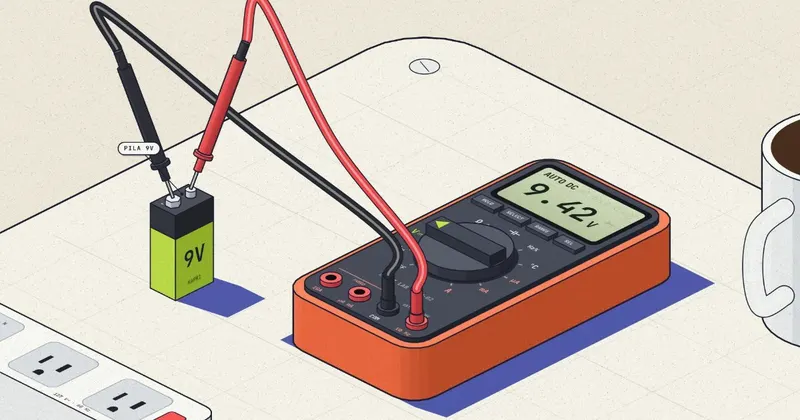
Isometric drawing of an orange multimeter measuring a 9 V battery and reading 9.42 V, next to a wall outlet, a breadboard and a coffee cup.

Lab 02

Multimeter: its 10 functions

The multimeter's 10 functions, each with something you have on your desk: a battery, the wall outlet, an LED or an Arduino's PWM.

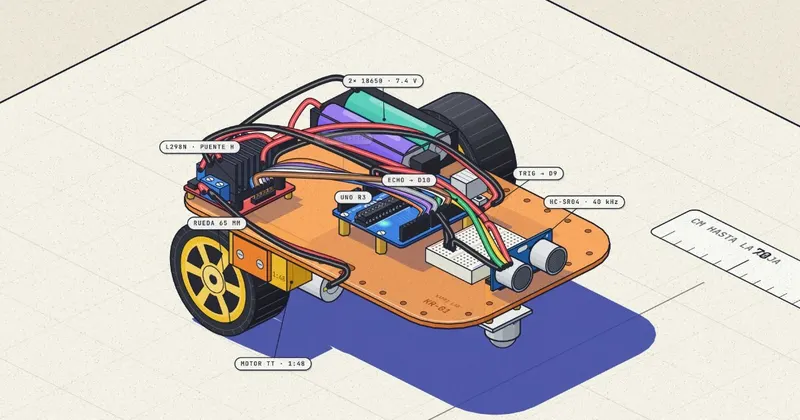
Isometric drawing of a two-wheeled robot with an Arduino UNO, L298N H-bridge, HC-SR04 sensor and two 18650 batteries, with its indigo shadow on the paper.

Lab 01

Sonar: a robot that listens to walls

An obstacle-avoiding robot that builds itself, 32 parts from code. The HC-SR04 sends out 8 pulses at 40 kHz and the Arduino turns the echo into centimeters.

Lab 00