Skip to content
robotips

Lab 12

3D printer: how it builds a part layer by layer

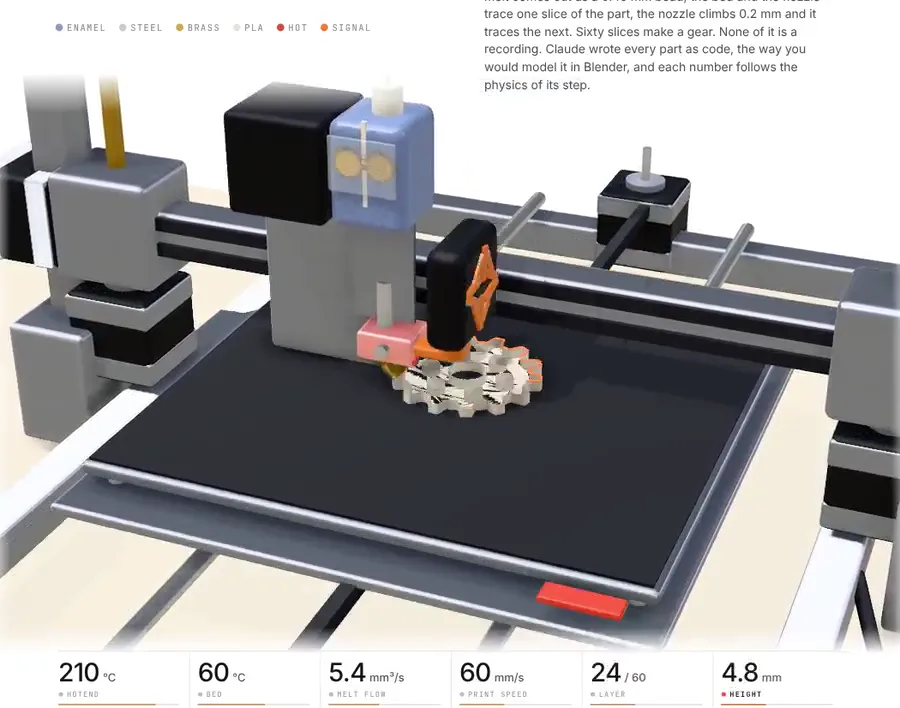
An FDM printer heats up, homes, feeds the filament and stacks 60 layers of 0.2 mm into a gear. Every number comes from the real plastic flow.

Published on

Lab 123D printer: how it builds a part layer by layer
3D render of an i3-style 3D printer on a bench: aluminium frame, white spool on top, print head with extruder and hotend, and a freshly printed white gear on the black bed.
Loads when you tap it, 954 KB
Lab 12. Flow = layer × width × speed: 0.2 × 0.45 × 60 = 5.4 mm³/s.
Share on X

What you will see

Six stations on a dial: heat (hotend to 210 °C and bed to 60 °C), home (each axis taps its endstop), feed (the extruder gears bite the filament), first layer (0.2 mm onto the hot bed), stack (a time-lapse of the 60 layers) and cool (the part fan sets each bead).

The nozzle and the bed really trace the outline of the gear, like an i3-style printer. The assumptions are in the note.

Model note

What the lab assumes and where its numbers come from.
Model: flow = layer x width x speed = 0.2 x 0.45 x 60 = 5.4 mm3/s; 1.75 mm filament (2.405 mm2) moves 2.25 mm/s. Hotend 210 C, bed 60 C (PLA). 14-tooth gear, 60 layers of 0.2 mm = 12 mm. Heating and layers 2-60 shown as a time-lapse. Printer at real size (cm).
Sources

  1. 01PLA: nozzle 190-220 °C, bed 50-60 °C, glass transition 60-65 °C. Creality.
  2. 02Max flow of an E3D V6 hotend with a 0.4 mm nozzle: 13 mm³/s with PLA at 220 °C. E3D.
  3. 031.8° stepper, 1/16 microstepping, GT2 belt and 20-tooth pulley: 80 steps/mm (0.0125 mm per step).

More labs

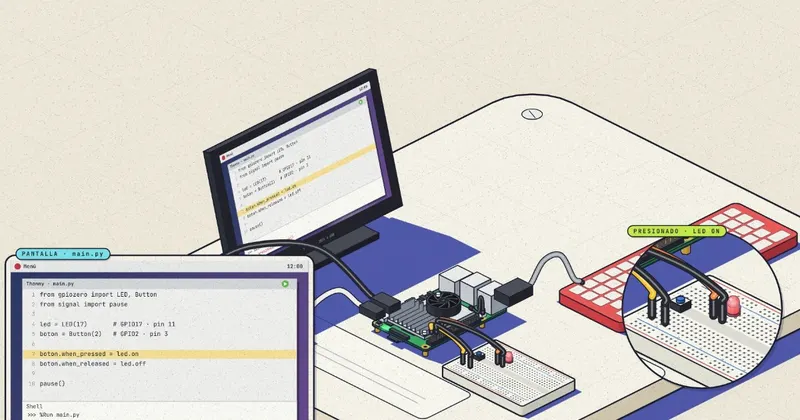
Isometric drawing of a bench with a Raspberry Pi 5 with Active Cooler in the middle, a 7-inch display, a red keyboard, a white USB-C power supply and a breadboard with a red LED and a blue button wired to the GPIO.

Lab 14

Raspberry Pi: boot your Pi 5 and light an LED

The Raspberry Pi 5 is already on the bench: build everything else. Cooler, microSD, display, keyboard and power until it boots, then an LED and a button on the GPIO with Python.

Lab 12