Lab
Learn Arduino
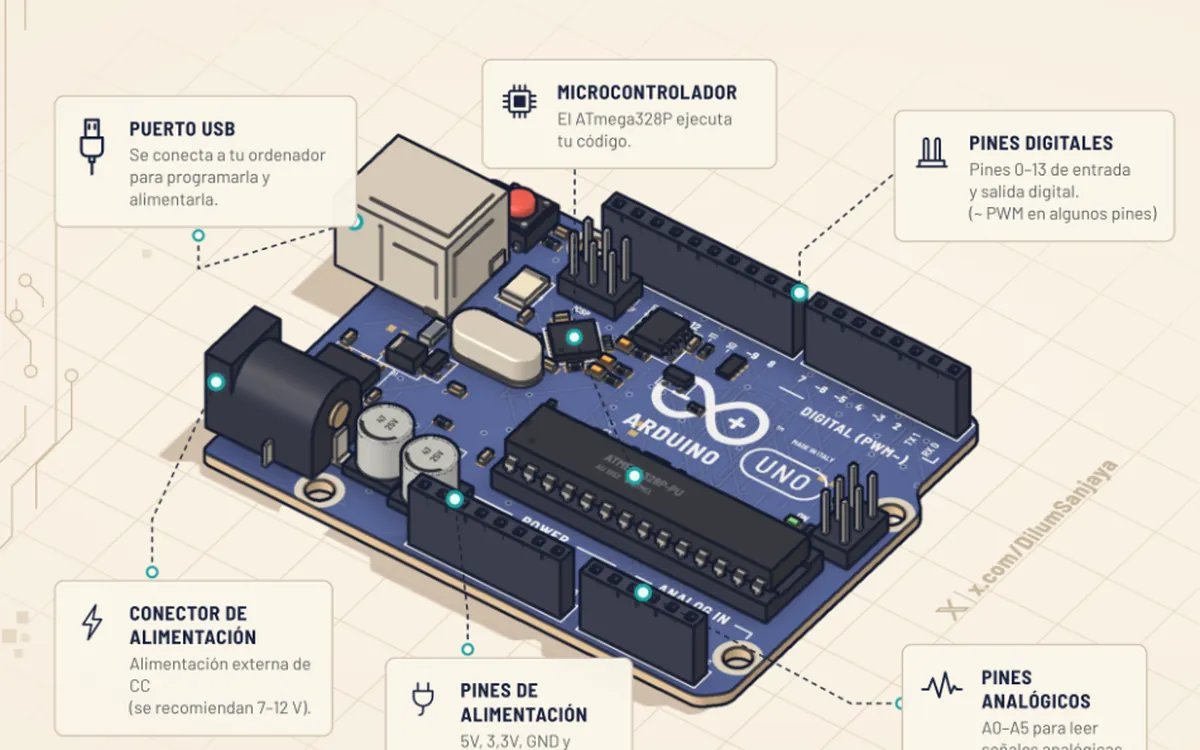
By @DilumSanjaya. A 3D Arduino Uno: from lighting an LED to your first project.
Made with ClaudeSpanish and EnglishFreeNo account
 Open on its site
What it is
An interactive 3D course that runs in the browser. In each lesson you wire the parts on an Arduino Uno, run the code and see what happens: the LED lights, the motor spins, the servo moves and the serial monitor shows the data. It starts with lighting an LED and ends with a complete project.
- 16 lessons (Oct 25, 2026)
- Spanish version
- Code, simulator and serial monitor on the same screen
What you learn
- Buttons, potentiometers and RGB LEDs
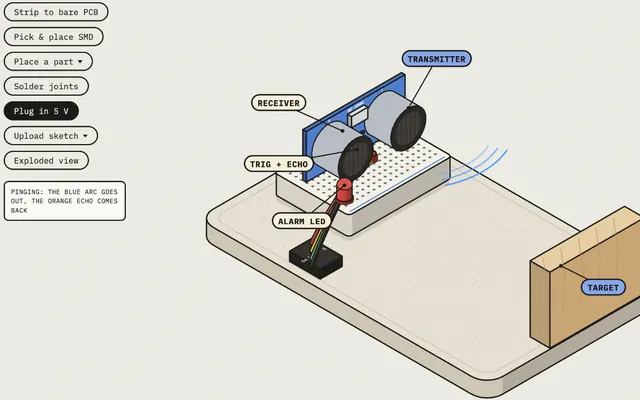
- Light sensors and the HC-SR04 ultrasonic sensor
- Driving a motor with a transistor and controlling a servo
What it is for
- Understand a circuit before buying the kit
- Teach an electronics class without parts for everyone
- See what each line of code does on the hardware, not just on screen
Use it on the roadmap
- Stage 1. Electronics from scratch
Lessons 1 to 6: board, LED, button, knob, colors and light sensor.
- Stage 2. Microcontrollers, Arduino and ESP32
Review lessons 2 to 4, now paying attention to the code.
- Stage 3. Motors, drivers and sensors
Lessons 10 and 12 (motor and servo) and 16, where you build a project.
On the same topic
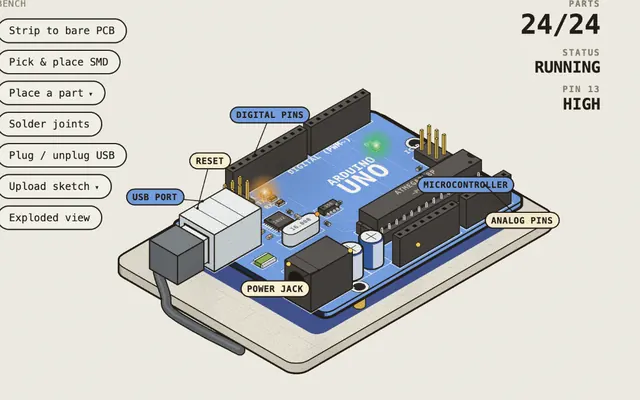
Robotics Bench
13 real boards you assemble like in a factory, power up and break
@0xMovezMade with Claude
ESP Labs
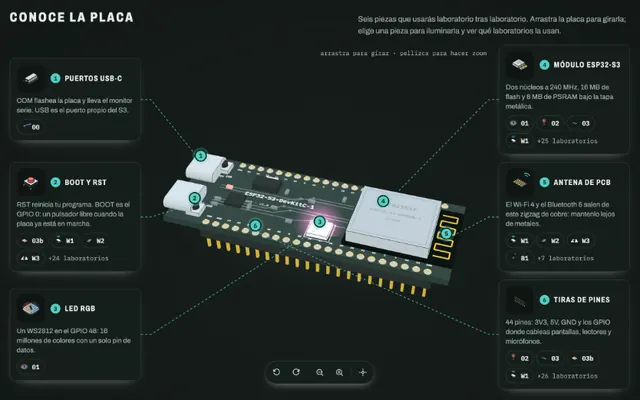
ESP32-S3 with a live pinout and the firmware explained line by line
@abderrahmen_gMade with ClaudeIn Spanish