Lab 14
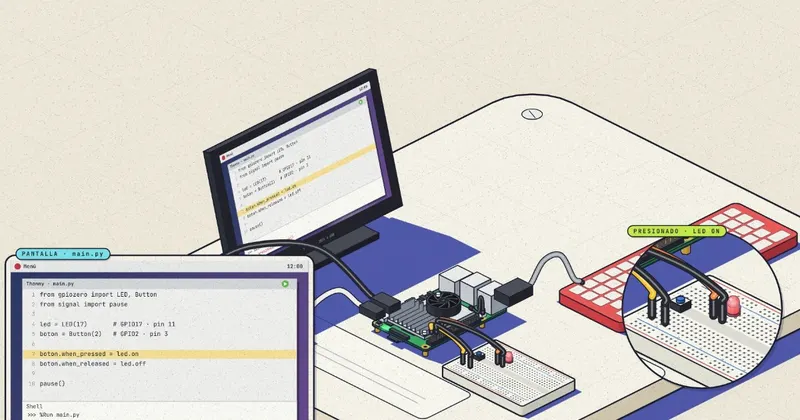
Raspberry Pi: boot your Pi 5 and light an LED
The Raspberry Pi 5 is already on the bench: build everything else. Cooler, microSD, display, keyboard and power until it boots, then an LED and a button on the GPIO with Python.
12 labs so far. Each one shows how it is assembled and how it works, and comes with its model note and sources.
Lab 14
The Raspberry Pi 5 is already on the bench: build everything else. Cooler, microSD, display, keyboard and power until it boots, then an LED and a button on the GPIO with Python.
Lab 13
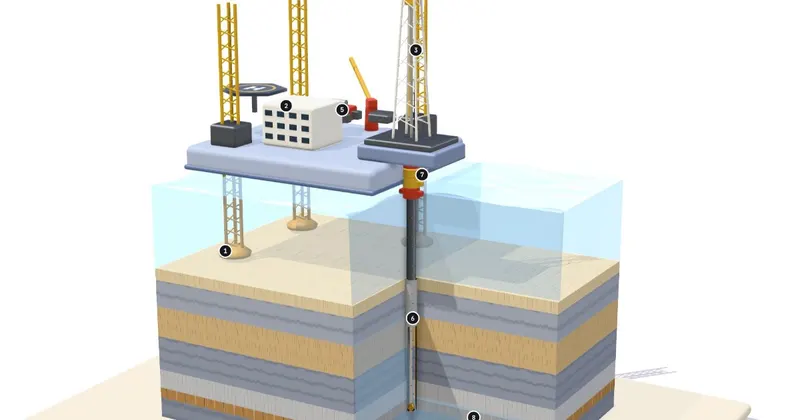
A jack-up rig walks its legs down 90 m, lifts its hull above the waves and drills 2600 m into the oil sand. Heavy mud holds the oil in place.
Lab 12
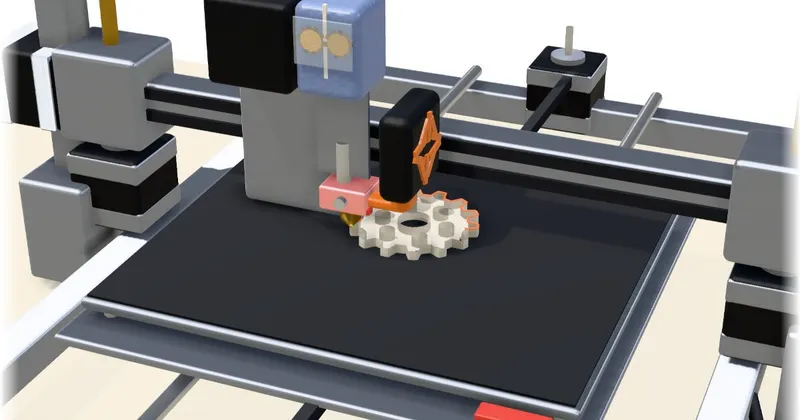
An FDM printer heats up, homes, feeds the filament and stacks 60 layers of 0.2 mm into a gear. Every number comes from the real plastic flow.
Lab 11
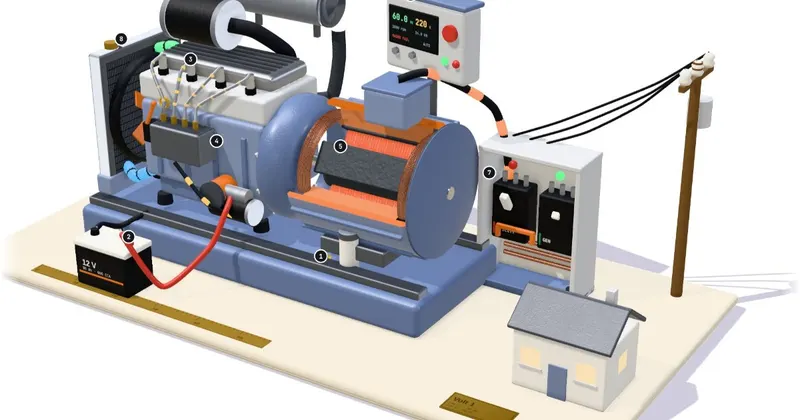
The grid drops and a 30 kW generator starts on its own: battery, diesel, a 60 Hz alternator and a transfer switch that moves the house over in under 10 seconds.
Lab 10
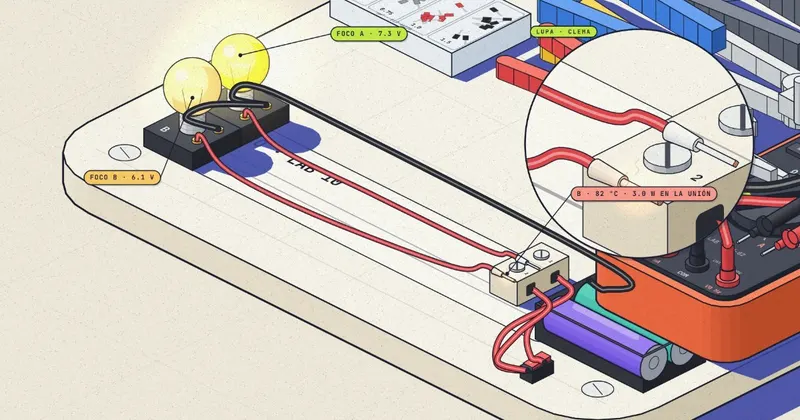
Prepare a real wire: strip it with the right notch, fit its ferrule, crimp it and test it. To finish, a network cable with its 8 wires in T568B order.
Lab 09
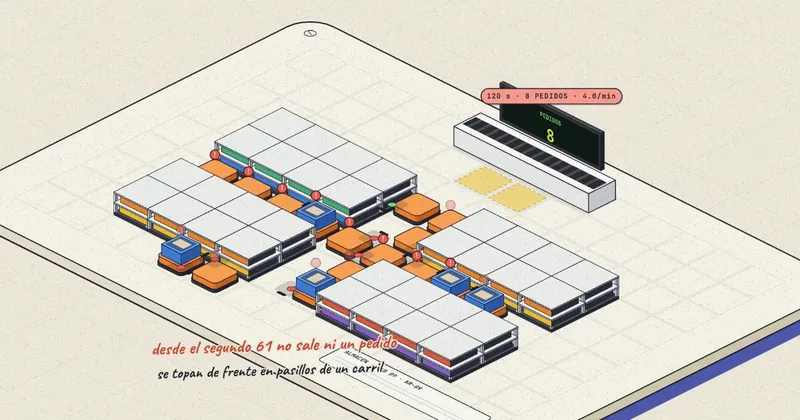
16 robots bring orders from the shelves to the station. Without rules they jam and ship half as many as 6 robots; with one-way streets, almost twice as many.
Lab 08
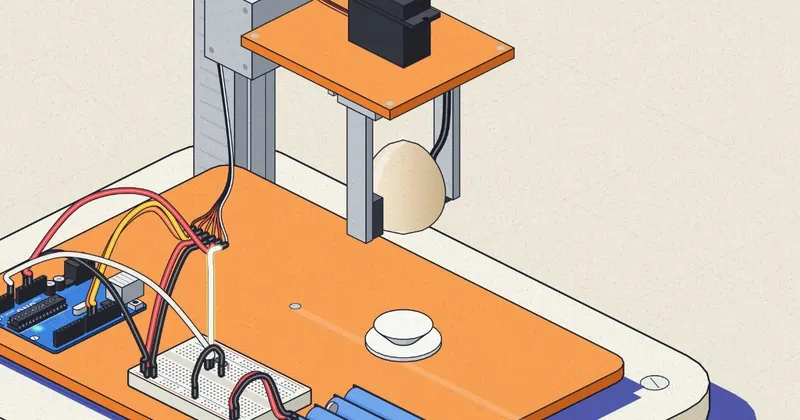
A robotic gripper grabs an egg three times: without a sensor it breaks it, with too little force it slips, and with 2 N it lifts it. One FSR sensor and one rule.
Lab 07
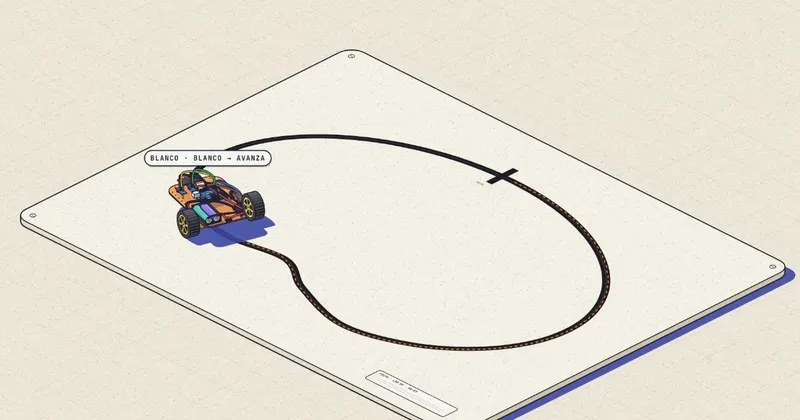
Build a line follower with an Arduino and two infrared sensors, and find out how a robot can follow black tape without a camera, using four rules.
Lab 03
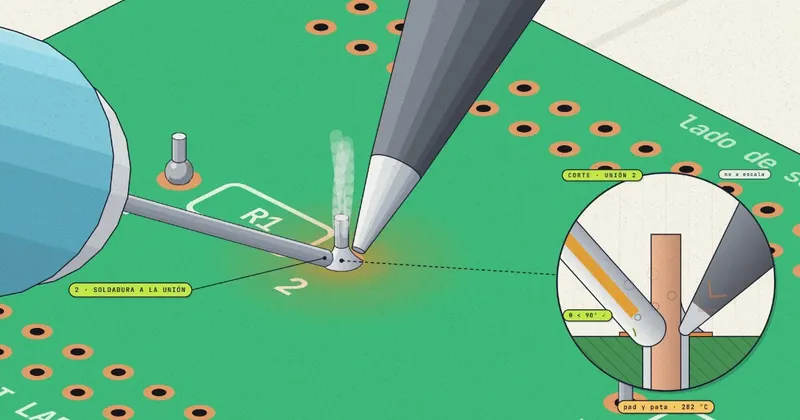
Learn to solder by watching the joint temperature live: heat the pad and lead, feed the solder, and see why you get a cold blob or a lifted pad.
Lab 02
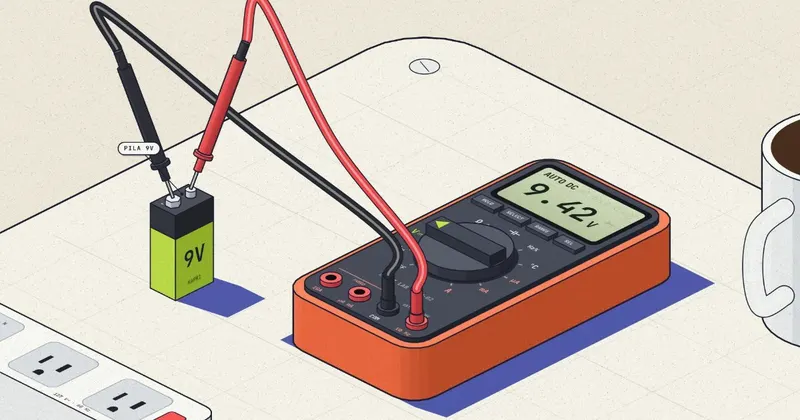
The multimeter's 10 functions, each with something you have on your desk: a battery, the wall outlet, an LED or an Arduino's PWM.
Lab 01
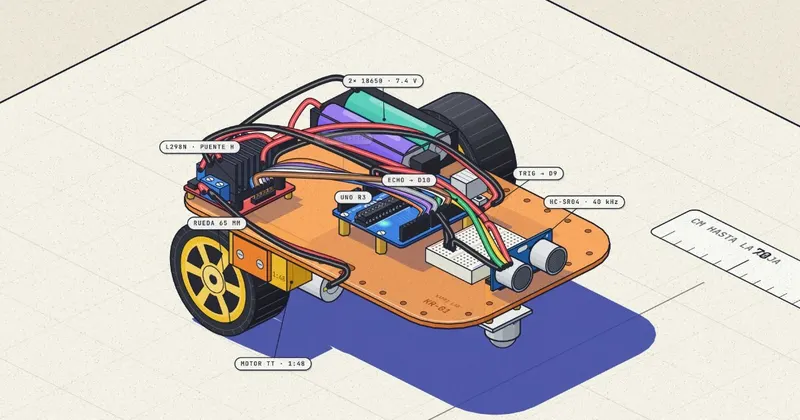
An obstacle-avoiding robot that builds itself, 32 parts from code. The HC-SR04 sends out 8 pulses at 40 kHz and the Arduino turns the echo into centimeters.
Lab 00
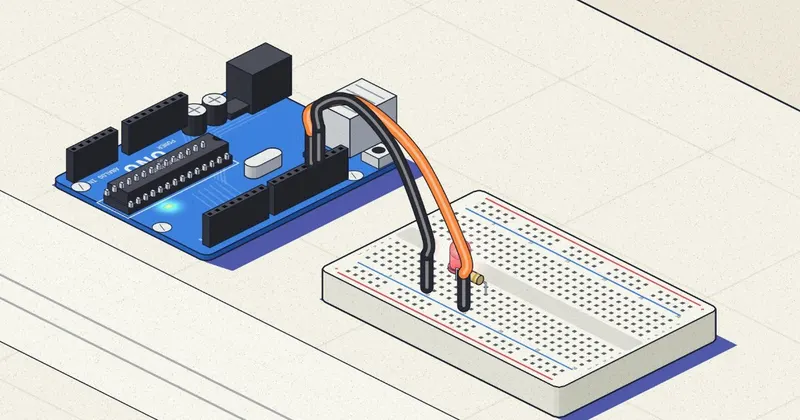
Your first Arduino program, seen from the inside: pin 13 switches between 5 V and 0 V, and that turns the LED on and off.
No labs with that topic yet.